AI automation for repetitive work

The same work, every week. Start by handing it off.

Combining spreadsheets. Writing quotes. Preparing reports.
We understand the work, build the right tool, and check it with your real data.

Reply within 2 business days · Scoping is free

Relevant hands-on experience
  • Samsung Heavy Industries PM
  • KAI production planning
  • Online retail operations

Workflows we have changed

Choose a task to explore its workflow.

The recurring manual work
  1. Read source
  2. Write quote
  3. Write email
Connected through a tool
ERP source text
Quote + email draft
Human reviewReview content and wording
Travel agency quotingExplore this case

Simplified workflows from delivered projects.

01 / Delivered projects

Similar work. A different way to get it done.

Different industries share recurring workflows. See what people did before, and what the tools handle now.

01

Delivered · client anonymous

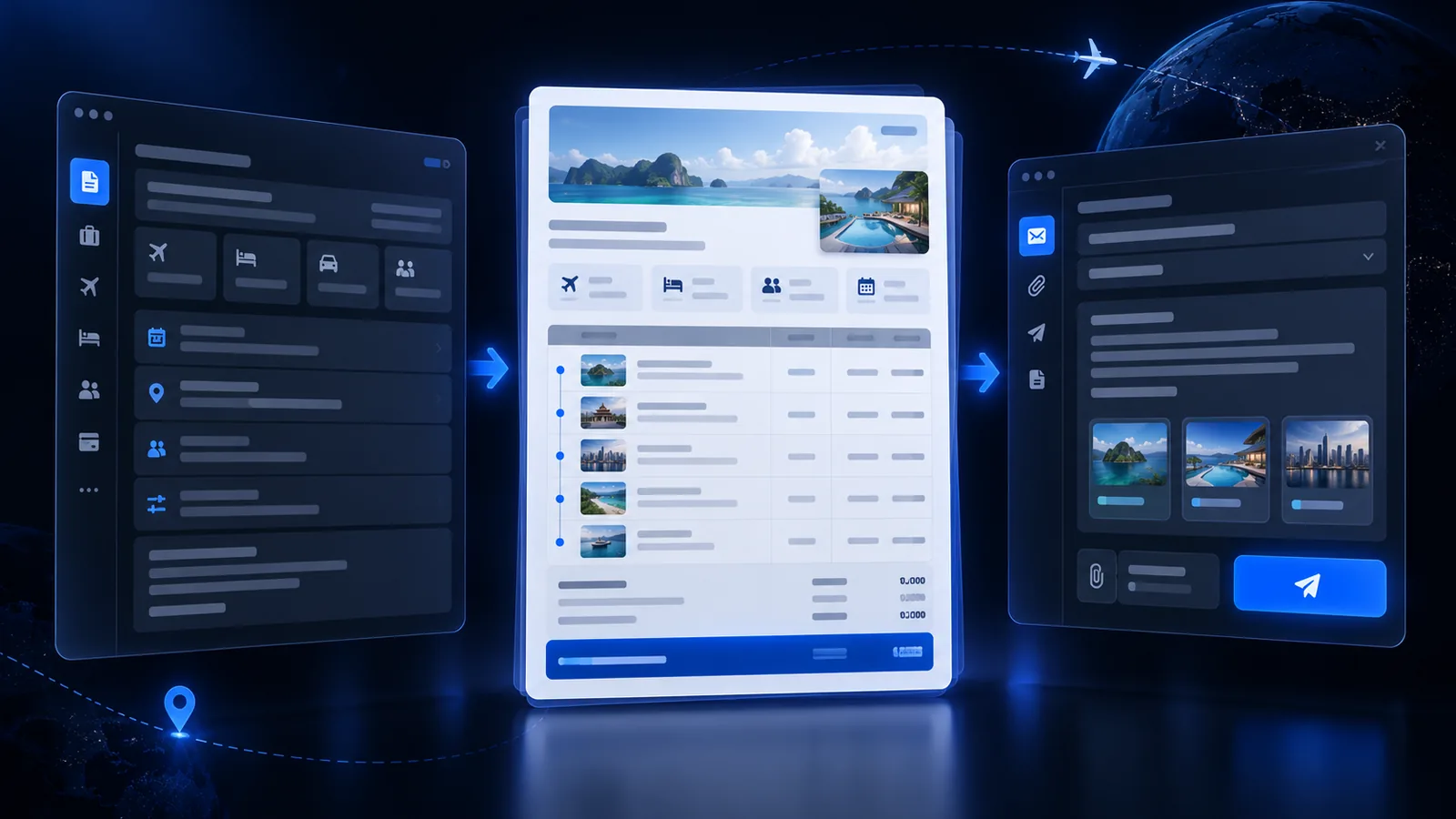
AI travel quote automation

AI travel quote automation
Recreated view to protect client data
Before
Staff repeatedly read ERP text and wrote each quote and client email
Changed work
Quote writing and send prep continue in one flow; staff review content only.
How was it built?

We separated parsing, quote structure, and client wording rules, then defined human review points.

Built a tool that generates quotes and email drafts from ERP input and tuned it to their quoting flow.

Discuss a similar workflow
02

Delivered · client anonymous

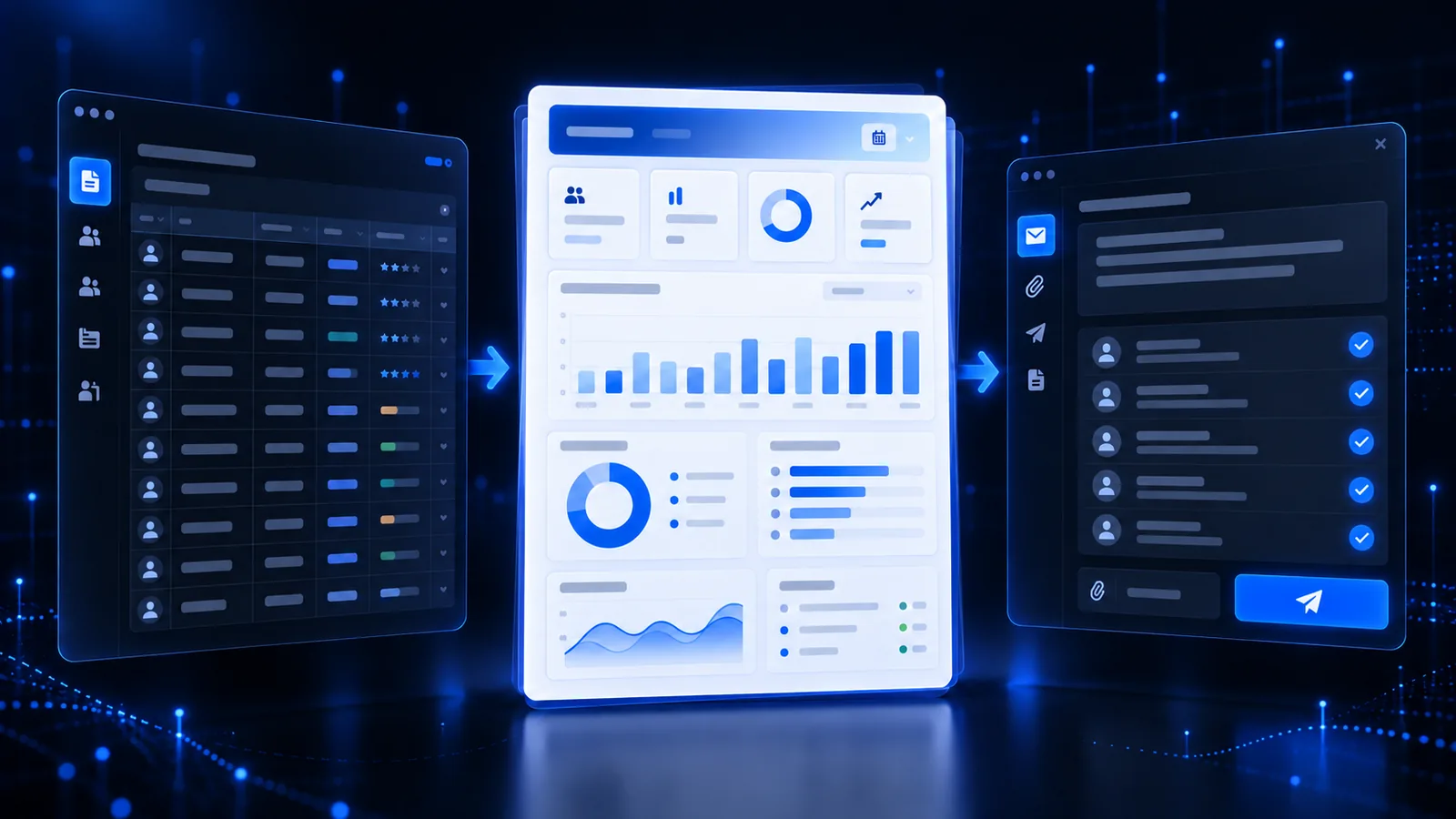
HR and performance reporting automation

HR and performance reporting automation
Recreated view to protect client data
Before
Evaluation data, settlement, reports, and email were handled across sheets and manual steps
Changed work
Repetitive aggregation and reporting are bundled while staff focus on exceptions and final review.
How was it built?

We defined collection, evaluation, settlement, reporting, and email stages with review checkpoints.

Implemented an Apps Script flow connecting collection, settlement, reports, and email templates.

Discuss a similar workflow
03

Delivered · client anonymous

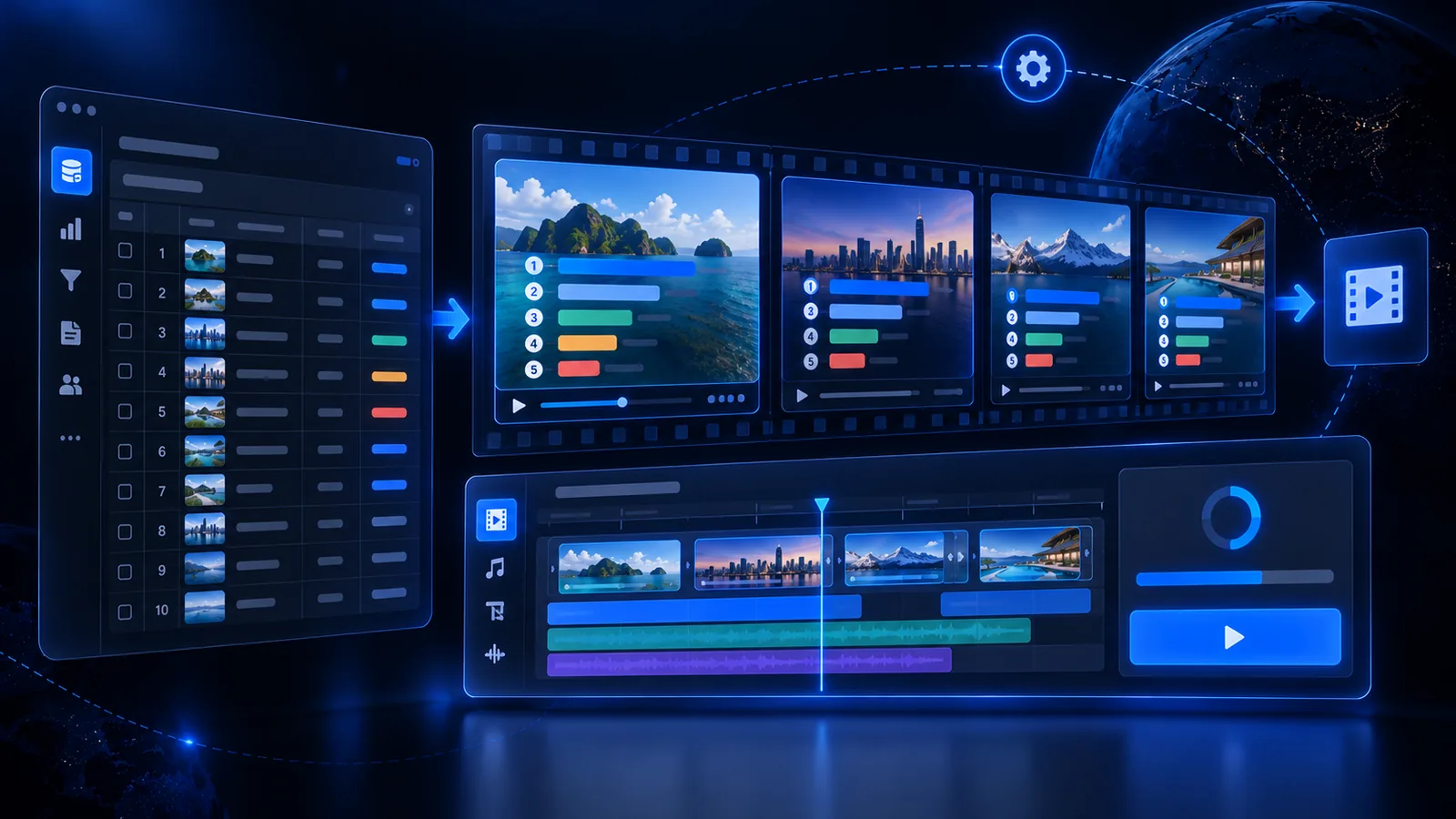
Brand reputation video automation

Brand reputation video automation
Recreated view to protect client data
Before
Every ranking and trend update required another manual video edit
Changed work
The same ranking-style brand video can be regenerated by changing the data and script.
How was it built?

We separated scene structure, data binding, and render templates so the same format remains consistent as data changes.

Built a repeatable production pipeline combining Remotion scenes, render templates, and a generation CLI.

Discuss a similar workflow
04

Delivered · client anonymous

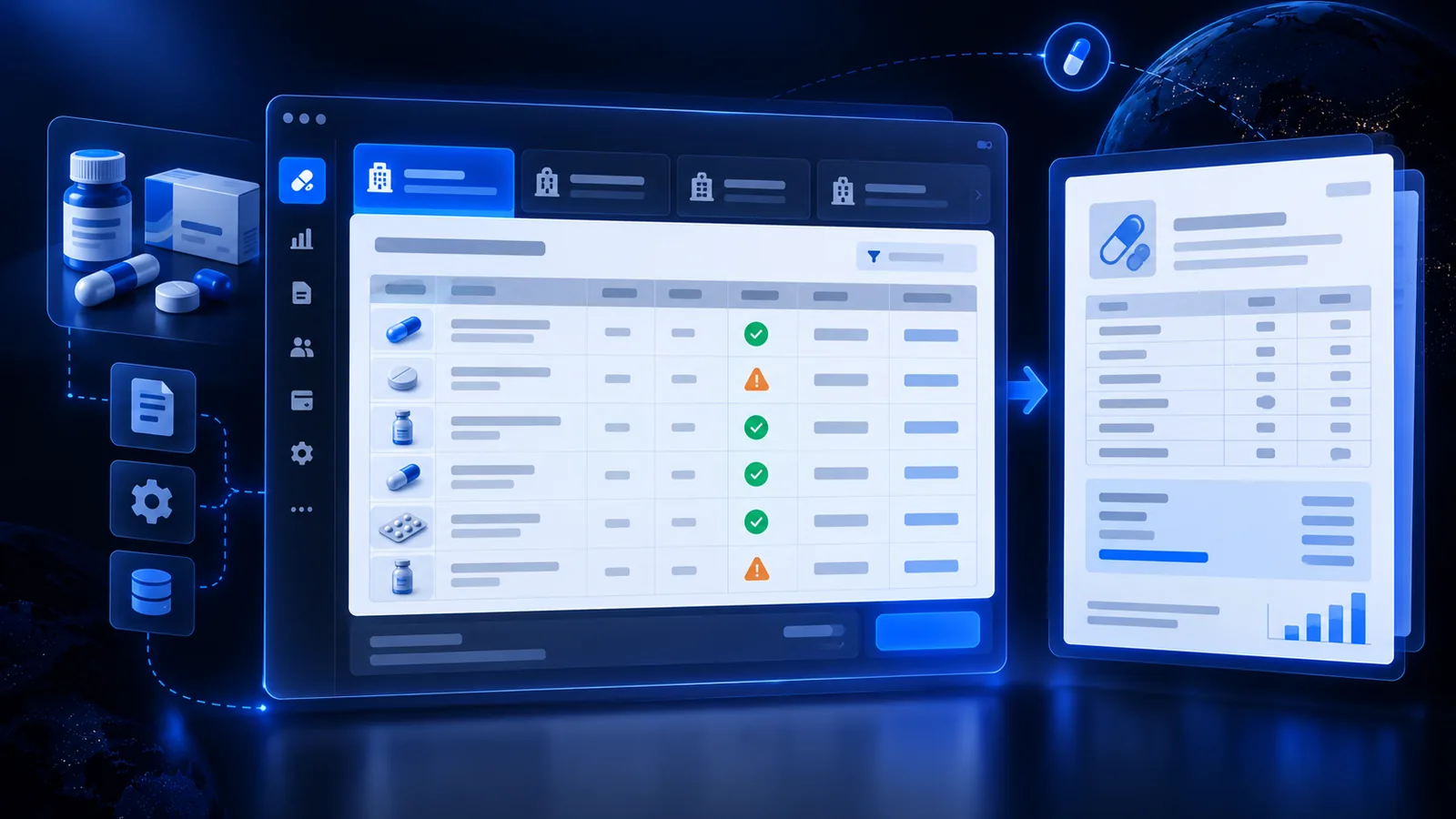
Pharma settlement automation

Pharma settlement automation
Recreated view to protect client data
Before
Staff manually reconciled source sheets against a different rule set for each manufacturer
Changed work
Repeated cleanup, cross-checks, and report writing sit in one flow; staff handle exceptions only.
How was it built?

We separated settlement rules, validation steps, and output formats, then documented exception handling.

Built a desktop tool that reads source sheets and generates rule-based settlement, validation, and reports.

Discuss a similar workflow

02 / What we build

Start with the work. Then choose the right tool.

From a focused automation to a system your whole team uses.

01

Automate recurring tasks

Connect spreadsheet aggregation, settlements, and document creation into one workflow.

Reports · Quotes · Repeated data entry
02

Give the team one place to work

Bring data and task status together so people know what to check next.

Admin tools · Order tracking · Data integrations
03

Build customer-facing websites & apps

Connect customer bookings, inquiries, and payments with the management tools behind them.

Bookings · Inquiries · Membership & payments

03 / The person who listens and builds

Understand the workflow. Build something people can use.

My background spans shipbuilding project management, satellite production planning, and running an online store. I start with the source data, the work, and the person who needs the result.

Seonggyu Kim · Lapin
Seonggyu Kim · LapinAutomation & business systems
01

Start with your work

You do not need a feature list. Tell me how things work today and where the friction is.

02

Check with real data

We use data your company permits to verify the results against agreed criteria.

03

Ready for your team to use

We explain how to use the tool and what to review. Maintenance and new features are separately contracted.

04 / Getting started

Define a small scope before a big commitment.

Start with one workflow. We agree on scope, schedule, and pricing before building.

  1. 01

    Consultation

    Tell us how the work runs today and where it takes the most time.

  2. 02

    Scope & quote

    We outline the scope, timeline, and quote, and start once you agree.

  3. 03

    Design review

    We show the screens and processing flow first and build after your sign-off.

  4. 04

    Build & real-work test

    We run it on your real data and review the results together.

  5. 05

    Handover & guidance

    We walk you through using it. Ongoing maintenance or new features can be arranged under a separate contract.

LAPIN / SCOPE

What we define together

One workflow to improve

Example: a weekly reporting discussion

Current task
Combine spreadsheets into a weekly report
Source data
Approved data files and report templates
Expected result
Agreed aggregation fields and report format
Human review
Missing data, exceptions, and final content

Actual scope and acceptance criteria depend on your data.

Start with your workflow

05 / Before you decide

A few things to know.

What if we need support or changes after delivery?

We explain how to use the tool and what to check in daily work. Ongoing maintenance and new features can be arranged under a separate contract with agreed scope and pricing.

How are cost and timing determined?

They depend on scope, integrations, data preparation, and required interfaces. We agree on scope, schedule, and pricing before starting. Initial scoping is free.

Can we get in touch without a feature list?

Yes. Tell us which programs you use, the steps you repeat, and the result you want. We will define the features and a practical starting scope together.

Do we have to replace our spreadsheets or ERP?

We first examine your existing data and workflows. We check whether existing templates, exported files, or integrations can be used before recommending an approach.

Can we check that it works with our own data?

We agree on acceptance criteria first and review the interface and workflow during design. We then test with real data your company permits. If AI services are needed, we first discuss which data may be sent to them.
Tell us about one recurring task.

What data do you use, how often, and what result do you need? We will look at where to start.

Example: Every week, we combine supplier spreadsheets into a settlement report. Different formats mean we enter the same fields again.
Free initial inquiry
Scope aligned together

What we need for a first conversation

✉ seonggyu@lapin.ai.kr
Helps us schedule faster. Used only for follow-up on your inquiry.
Inquiry Type *
Describe the users, features, data, and current workflow for the web app or system you need.

To respond to your consultation and pre-contract request, we collect your name, email, phone (if provided), inquiry details, UTM values, and first landing path and retain them for 3 years. Privacy Policy

KakaoTalk